
Making Fireworks
As much as I'd like to make some real fireworks, I don't think it'd approriate for me to tell you how, considering this is a site dedicated to software. So instead, I want to show off some projects that demonstrate how to create fireworks in a canvas and OpenGL using REALbasic.
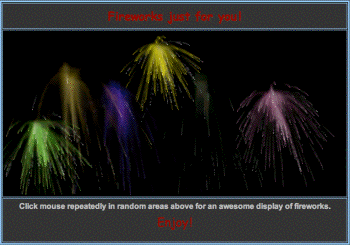
These projects came about in response to a question on one of the REALbasic mailing lists asking about how to create an effect similar to the one in the Java applet pictured above. A number of solutions were posted, here's a highlight of a few:
The Modified Joe Strout Project
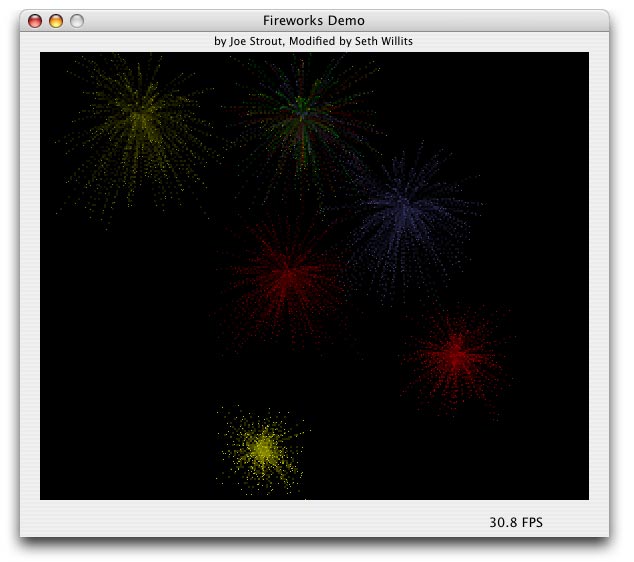
The project shown here is a modified version of a project written by Joe Strout. The original project had an awesome blur effect (it's still in the project, but simply disabled) but was fairly slow. I modified the project to add some rocketing and demonstrate using picture scaling to come up with a faster (although not as nice looking) blur effect. This project shows a great use of the RGBSurface class.
Seth Willits's OpenGL Project
This project is based on the OpenGL declare project used here at ResExcellence in past tutorials. The project is basically a conversion of the code from the modified version of Joe Strout's example to OpenGL. The result is very fast framerates and some nice looking particles, but in this version, there are no particle trails. It's a bit tricky to implement (you use a GL_QUAD_STRIP with some color alpha trickyness), but it is possible to do.

The Jim Noe Project
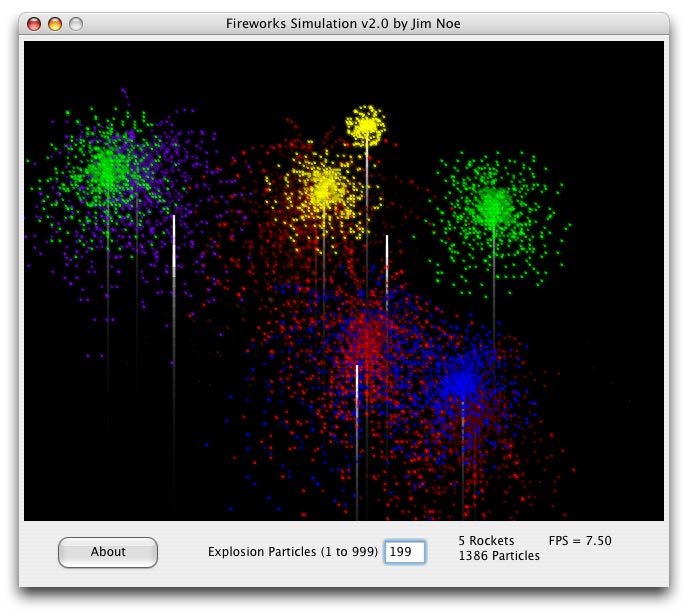
Jim Noe's project is another Canvas-based solution that looks great and has pretty good performance. Jim's project implements rockets with really nice looking smoke trails (this project uses images instead of pixels like Joe's project does) and pretty decent looking particles while having a pretty decent frame rate. It's a good example of having a good combination of speed and asthetics overall.
You can find these and more projects on a special page setup on Thomas Cunningham's website. In a later tutorial I hope to focus a simplified version of one of the projects and show how it works.