I like the idea of Apple's Theme Soundsets, but after a short time, they start to drive me crazy. What if you want only a few key sounds, like emptying the trash?
In this example, I'll make a special soundset that plays only when the trash is emptied. Start by making a copy of the Platinum Soundset (System->Appearance->Sound Sets). Rename it Trash Only.
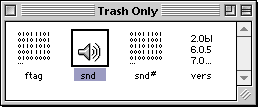 Open Trash Only in ResEdit. Open the snd resources and compare the names and ID numbers to the chart below.
In this example, we are only interested in keeping the trash sound, ID 290.
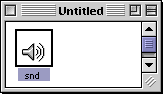 Open your replacement sound file in ResEdit and copy it to the clipboard.
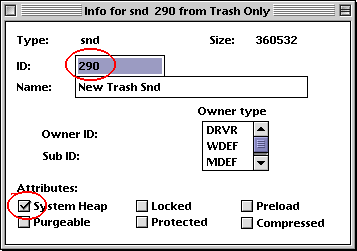 After you paste it into the Trash Only sound set, delete ID 290.
Get Info on the new sound that you pasted in, and change the ID to 290 and check the System Heap box.
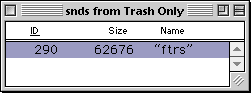 When you are finished, you will have one sound resource for the trash.
 Save your new Sound Set and quit ResEdit.
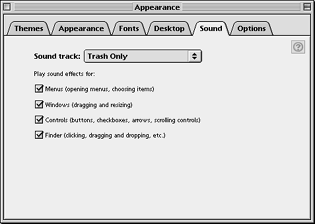
Open the Appearance Control Panel and under the Sound tab, select Trash Only.
Now, the only Theme sound you will hear is when you Empty the Trash!
Use the table below to selectively add more sounds to your file.
Good places to look for Sound Sets are Apple-Donuts and OS 8.5 Themes.
If you would like t learn how to create your own SoundSets, I recommend SoundSet Constructor.



